Teaching AI Assistants How Your Team Writes Code
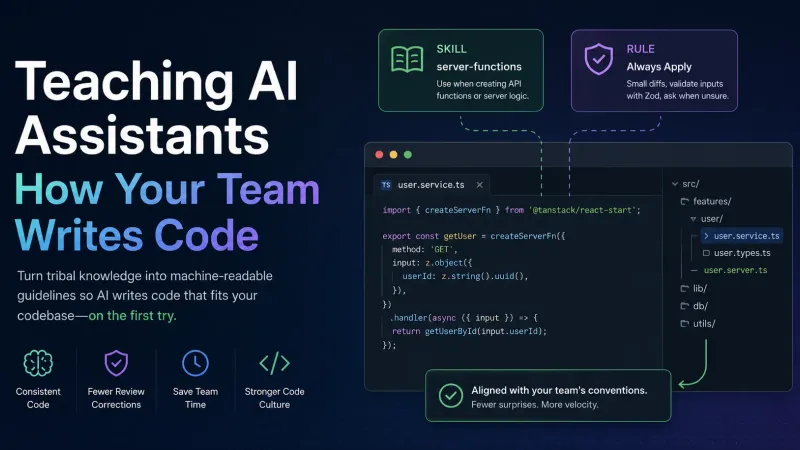
AI coding assistants start with generic training data. They do not know that your team puts server logic in *.server.ts files, never uses cn(), or validates every API input with Zod. Without explicit guidance they invent patterns on every task — and you spend review time undoing their guesses.
Skills and rules are markdown files in your repo that the assistant reads before editing code. They turn tribal knowledge into something machine-readable.
Vocabulary
| Term | Meaning |
|---|---|
| Skill | Topic guide — styling, APIs, testing. Loads when the task matches its description. |
| Rule | Always-on habits — small diffs, ask when unsure. Loads on every task. |
| Frontmatter | YAML block at the top of a skill file. The description field is how the tool decides when to apply it. |
Rules answer how to behave. Skills answer what the code should look like.
Steps
Walkthrough: create a skill
Step 1 — Create a folder with a SKILL.md file inside.
Step 2 — Add frontmatter. The description must say when to use the skill:
Step 3 — Write actionable rules, not essays. Here is a real pattern encoded as a skill table:
Step 4 — Commit. No build step. The assistant picks it up on the next task.
Walkthrough: create a rule
Rules use the same markdown format but load globally:
Keep rules under one screen. Put detailed patterns in skills.
Common pitfalls
- Vague descriptions — "Write clean code" never triggers the right skill. Use "Use when editing form components."
- Duplicating rules in every skill — one always-on rule file; skills stay topic-specific.
- No examples — a bullet without a ✅/❌ code sample still leaves room to guess.
Verify it works
Ask the assistant to create a file in the skill's domain. Check whether it follows the conventions without you repeating them in the prompt.
Takeaway
Skills and rules are a style guide the AI reads automatically. Write them like onboarding docs for a junior developer — specific, short, and full of examples.